Documentation is great.
Spending time writing documentation is great.
Spending a bunch of time trying to set up a documentation site, trying to make it look nice, and trying to get it deployed smoothly is not as great.
I was recently introduced to MkDocs. It feels like a great way to solve this problem in a simple way, with minimal configuration. But I’m also really used to using Vercel, and I wanted to be able to deploy a Python-based MkDocs setup to Vercel as easily as any Node-based static site.
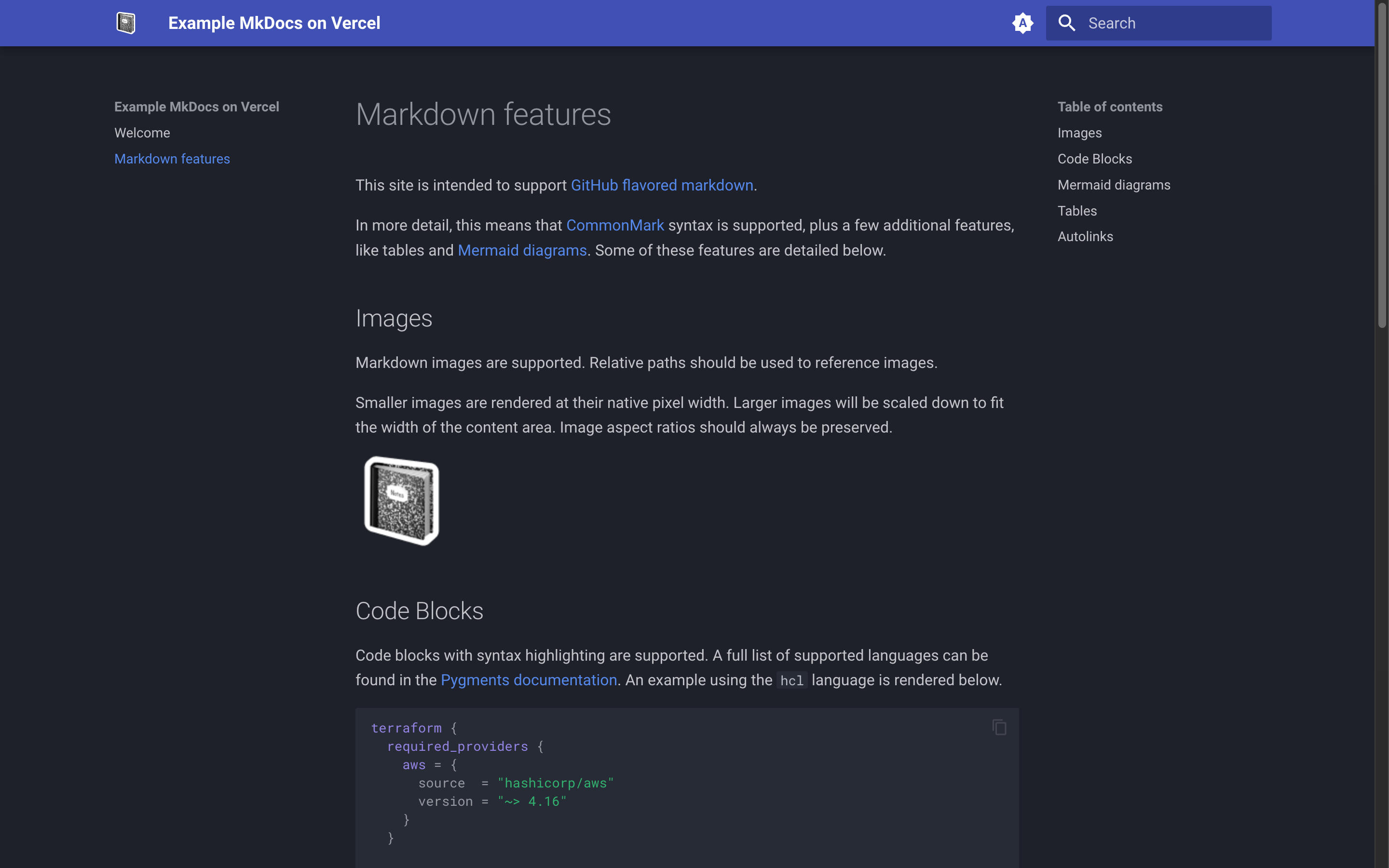
I did some cursory searching, and couldn’t find what I wanted. There are well-documented ways out there to use GitHub Actions for continuous deployment of MkDocs to Vercel. There are also well-documented ways to used the Vercel CLI. But I really wanted to be able to have things “just work” in a continuous and automatic way as part of Vercel’s built-in build pipeline. It seemed like it should be possible to collaborate on and commit markdown to a repository, and have the whole “build and publish a usable docs site” part happen automatically, without having to maintain GitHub Actions or local vercel deploy scripts.
I ended up messing around a bit, and maybe I should have seen this coming, but the answer lies in something that is probably documented somewhere if I’d looked harder… which is that python3 is already available in Vercel build contexts. I used that as a jumping off point to install Python dependencies like MkDocs, and then build the site.
#!/bin/bash

# Note: This build script is intended to be run in Vercel build contexts, and
# relies on `python3` and `pip3` already being available in the environment.

# Check for dependencies, so we can error out early if they're missing
echo "🕵️ Checking for python3 executable..."
python3 --version

# Create a virtual environment, and activate it
echo "🏝️ Setting up virtual environment..."
python3 -m venv .venv
source .venv/bin/activate

# Ensure pip is up to date
echo "🔧 Updating pip..."
pip3 install --upgrade pip

# Install python dependencies
echo "🔧 Installing dependencies from requirements.txt..."
pip3 install -r requirements.txt

# Check that mkdocs is installed, just in case
echo "🕵️ Checking for mkdocs..."
python3 -m mkdocs --version

# Build the project with mkdocs
echo "🏗️ Building the site with mkdocs..."
python3 -m mkdocs build -d public
I also set up a package.json to point to an npm run build script that calls build.sh, just to avoid having to change any of the default settings in Vercel.
I’ve made a demo of this in a GitHub repo at zchsh/example-mkdocs-on-vercel. It’s really just the build.sh script above and some basic configuration of MkDocs. I may not actively maintain it, but even so, I hope it’s helpful to someone! I also included a script to install Python locally with Rye, since that seems like a nice way to get started for anyone new to Python.